Priročnik Adler AD 5049 Likalnik

Potrebujete priročnik za vaš Adler AD 5049 Likalnik? Spodaj si lahko brezplačno ogledate in prenesete PDF priročnik v slovenščini. Ta izdelek ima trenutno 4 pogosto zastavljeni vprašanji, 0 komentarjev in ima 0 glasov. Če to ni priročnik, ki ga želite, nas kontaktirajte.

Ali je vaš izdelek okvarjen in v priročniku ne najdete rešitve? Obiščite Repair Café za brezplačno popravilo.

Priročnik

Loading…
7
4. Slowly pour water into the tank using a special container, taking care not to overfill the tank above the

5. Place the iron in a vertical position. Insert the plug into the socket.
6. Set the thermostat knob according to the international symbol on the label of the garment being ironed.
7. The thermostat indicator light indicates that the iron is heating up. Wait until the thermostat indicator light
goes out. You can then start ironing.
Warning: During ironing, the thermostat indicator light comes on periodically, this means that the selected
temperature is maintained at a constant level. If you have lowered the temperature, do not start ironing until
the thermostat light comes on again.
8. Turn the steam function switch (C) to the upper position to turn on steam generation.
Warning: Continuous steam is only emitted when you hold the iron horizontally. You can stop the steam by
placing the iron in a vertical position or by switching the switch (C).
The steam ironing function can only be used at the highest temperatures. Water may drip from the iron if
the selected temperature is too low.
Dry ironing
To iron without steam, switch (C)
PROCEDURE AFTER IRONING IS FINISHED
Unplug the iron from the socket. Once the iron has cooled down, empty the tank by turning the iron upside
down and shaking it gently. Leave the iron to cool down completely. Always place the iron in an upright
position.
ADVICE
1. We recommend using low temperatures when ironing fabrics that have special finishes, decorations
(sequins, embroidery, etc.).
2. If the fabric is made of different materials (e.g. 40% cotton 60% synthetic fibers), set the thermostat to the
temperature of the material with a lower ironing temperature (in this case it will be the ironing temperature of
synthetic fibers - i.e. low temperature).
3. If you do not know the composition of the fabric, determine the appropriate temperature by ironing a part
of the garment that is not visible during normal wear. Start with a low temperature and gradually increase
until you reach the correct temperature that is safe for the fabric.
4. Any dirt or stains become permanent after ironing, so before ironing, check if the clothes are clean. If not,
wash them first.
5. The best results are achieved when dry ironing at medium temperature: too high a temperature or
holding the iron in one place for too long may cause yellow stains (burns).
6. To avoid the "shiny" effect of materials made of silk, wool or synthetic fibers, iron them inside out.
7. To prevent iron marks from appearing on velvet, iron the material in one direction (along the grain) and
do not press the iron against the material.
8. Many fabrics are easier to iron when they are not completely dry.
TECHNICAL DATA:
Voltage: 100V-127V ~50-60Hz / 220-240V ~50-60Hz
Power: 260-420W / 343-408W
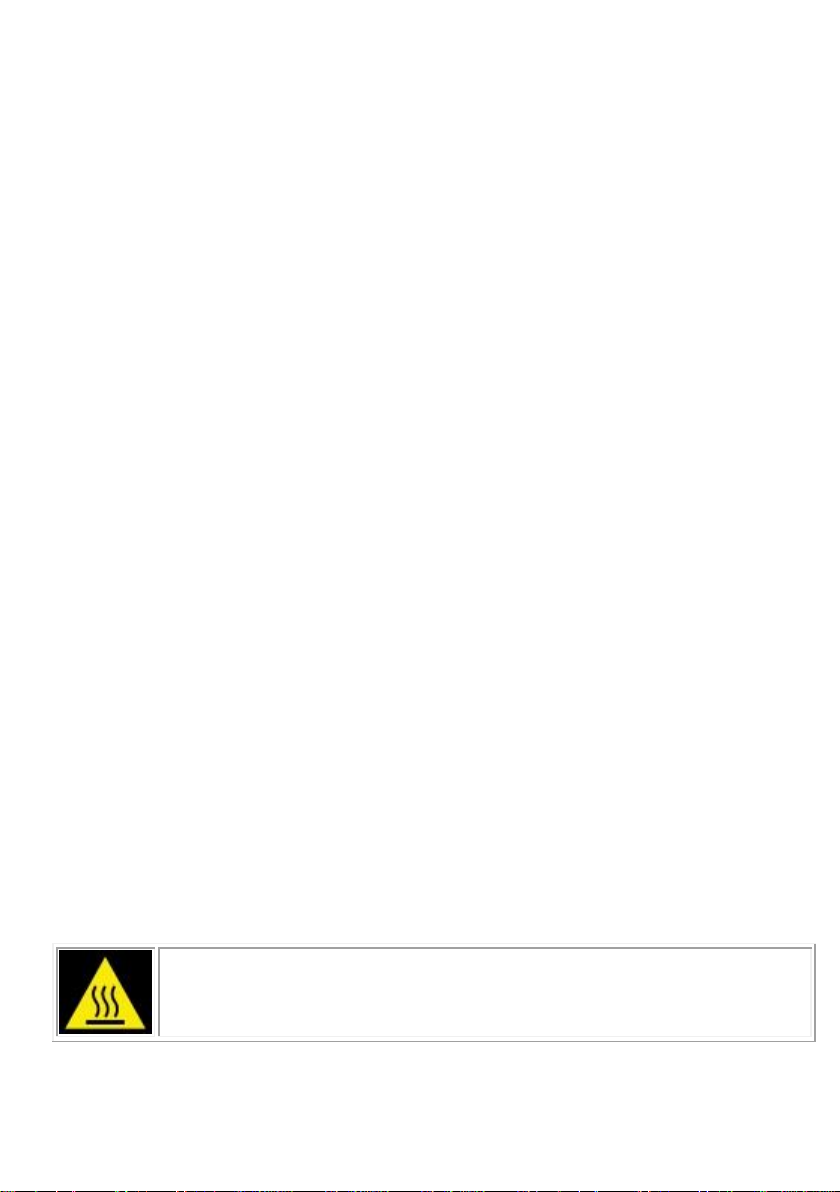
Caution hot surface:
The temperature of accessible surfaces of the device may be high when it is in operation.
Do not touch hot surfaces of the device.
Prenesi priročnik v slovenščini (PDF, 2.21 MB)
(Upoštevajte okolje in natisnite ta priročnik le, če je res potrebno)

Loading…

Ocena

Povejte nam, kaj menite o Adler AD 5049 Likalnik, tako da oddate oceno izdelka. Ali želite deliti svoje izkušnje z izdelkom ali postaviti vprašanje? Oddajte komentar na dnu strani.
Ali ste zadovoljni z Adler AD 5049 Likalnik?
Da Ne
Bodite prvi, ki boste ocenili ta izdelek
0 glasovi

Pridružite se pogovoru o tem izdelku

Tukaj lahko delite svoje mnenje o Adler AD 5049 Likalnik. Če imate vprašanje, najprej natančno preberite priročnik. Zahtevo za priročnik lahko opravite z uporabo našega kontaktnega obrazca.

Več o tem priročniku

Zavedamo se, da je lepo imeti papirni priročnik za vaš Adler AD 5049 Likalnik. Priročnik lahko vedno prenesete z naše spletne strani in ga natisnete sami. Če želite imeti originalni priročnik, priporočamo, da kontaktirate Adler. Morda bodo lahko zagotovili originalni priročnik. Ali iščete priročnik za vaš Adler AD 5049 Likalnik v drugem jeziku? Na naši domači strani izberite želeni jezik in poiščite številko modela, da preverite, ali je na voljo.

Specifikacije

Blagovna znamka Adler
Model AD 5049
Kategorija Likalniki
Vrsta datoteke PDF
Velikost datoteke 2.21 MB

Vsi priročniki za Adler Likalniki
Več priročnikov za Likalniki

Pogosto zastavljena vprašanja o Adler AD 5049 Likalnik

Naša podporna ekipa išče uporabne informacije o izdelkih in odgovore na pogosta vprašanja. Če v pogosto postavljenih vprašanjih odkrijete nenatančnost, nam to sporočite prek obrazca za stik.

Ali lahko dno likalnika očistim s čistilnikom? Potrjeno

Ne, to lahko poškoduje dno. Za čiščenje uporabite vlažno krpo ali mehko gobo.

To je bilo koristno (432) Preberi več

Kakšne so razlike med parnim likalnikom in običajnim likalnikom? Potrjeno

Največja prednost parnega likalnika je, da zaradi uporabe pare lažje odstranjuje gube. Običajno likalnik je nasprotno veliko lažji in pogosto cenejši.

To je bilo koristno (354) Preberi več

Podplat mojega železa je razbarvan, ali lahko z njim še vedno likam? Potrjeno

To je mogoče, vendar obstaja verjetnost, da se bo podrgnilo na oblačilih svetle barve.

To je bilo koristno (294) Preberi več

Ali lahko likam gumbe? Potrjeno

Ne, to bo poškodovalo podplat likalnika in to bo preprečilo pravilno delovanje likalnika. Nikoli ne likajte gumbov, zadrg ali drugih trdih predmetov.

To je bilo koristno (246) Preberi več
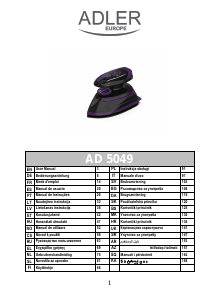
Priročnik Adler AD 5049 Likalnik

Podobni izdelki

Sorodne kategorije

×
Download