Priročnik Trust 16937 Flex Design Pisalo za tablični računalnik

Potrebujete priročnik za vaš Trust 16937 Flex Design Pisalo za tablični računalnik? Spodaj si lahko brezplačno ogledate in prenesete PDF priročnik v slovenščini. Ta izdelek ima trenutno 0 pogosto zastavljeni vprašanji, 0 komentarjev in ima 0 glasov. Če to ni priročnik, ki ga želite, nas kontaktirajte.

Ali je vaš izdelek okvarjen in v priročniku ne najdete rešitve? Obiščite Repair Café za brezplačno popravilo.

Priročnik

Loading…
Flex Design Tablet – User’s Manual
4
The pen can detect 2048 levels of pressure, and use the variation in levels to automatically change the size, the color, or
various settings of the tool you are currently using.
This allows for flexibility and gives a very intuitive feeling to your graphic work.
10
Move the pen in the tablet’s working area: the cursor will follow the movements. Hovering the pen tip
at about 5 mm from the surface will allow you to move the cursor on your screen. When you touch the
tablet’s surface, your brush will start drawing on the new document.
11
The color panel allows you to select different colors.
By default in most drawing programs, the color your brush is applying is black. Depending on the pressure you exert with
the pen on the tablet’s surface, your brush will paint in nuances going from white (no pressure) to black (full pressure).
Write (Write)
12
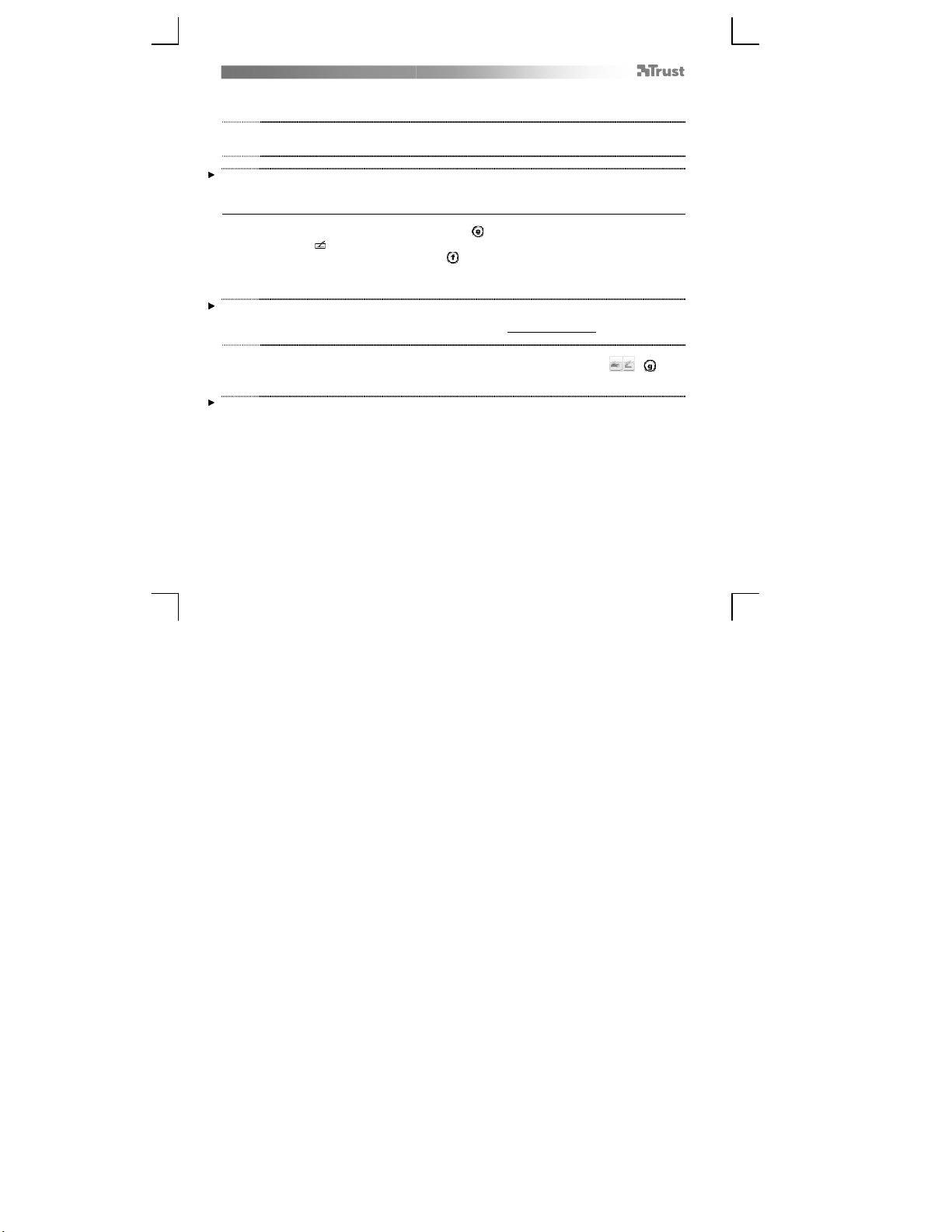
Windows 8: click the keyboard icon in the system tray.
Open the Input Panel (tap the docked input panel (
), on the side of the screen, or tap the text input
floating bar ( ).
Your handwriting will be converted into text ( ). You can correct, erase or modify the proposed
conversion.
Then click or tap Insert to have the text you handwrote entered into the active document / text input
field.
Handwriting recognition is a feature of Windows Vista and Windows 7/8 that converts what you write into text you can
then format like any other text. The Handwriting Input Panel appears automatically when you start using the tablet. If it
does not show, or only appears as a virtual keyboard, please consult trust.com/18469/FAQ.
In Windows XP or Mac OS, a third-party software is required, to convert your handwriting into text.
13
After installing and connecting your tablet, the handwriting feature of Live Messenger is activated.
It can be accessed, while in Live conversation, by clicking the corresponding button: ( )
You can then draw and send messages in your own handwriting, and use the six formatting buttons
that appear in the conversation window to personalize your messages.
To send handwritten messages you must have Windows 7/8, Windows Vista, or Windows XP with Service Pack 3 or later
installed. The latest version of Live Messenger is also required.
Prenesi priročnik v slovenščini (PDF, 3.44 MB)
(Upoštevajte okolje in natisnite ta priročnik le, če je res potrebno)

Loading…

Ocena

Povejte nam, kaj menite o Trust 16937 Flex Design Pisalo za tablični računalnik, tako da oddate oceno izdelka. Ali želite deliti svoje izkušnje z izdelkom ali postaviti vprašanje? Oddajte komentar na dnu strani.
Ali ste zadovoljni z Trust 16937 Flex Design Pisalo za tablični računalnik?
Da Ne
Bodite prvi, ki boste ocenili ta izdelek
0 glasovi

Pridružite se pogovoru o tem izdelku

Tukaj lahko delite svoje mnenje o Trust 16937 Flex Design Pisalo za tablični računalnik. Če imate vprašanje, najprej natančno preberite priročnik. Zahtevo za priročnik lahko opravite z uporabo našega kontaktnega obrazca.

Več o tem priročniku

Zavedamo se, da je lepo imeti papirni priročnik za vaš Trust 16937 Flex Design Pisalo za tablični računalnik. Priročnik lahko vedno prenesete z naše spletne strani in ga natisnete sami. Če želite imeti originalni priročnik, priporočamo, da kontaktirate Trust. Morda bodo lahko zagotovili originalni priročnik. Ali iščete priročnik za vaš Trust 16937 Flex Design Pisalo za tablični računalnik v drugem jeziku? Na naši domači strani izberite želeni jezik in poiščite številko modela, da preverite, ali je na voljo.

Specifikacije

Blagovna znamka Trust
Model 16937 Flex Design
Kategorija Pisala za tablični računalnik
Vrsta datoteke PDF
Velikost datoteke 3.44 MB

Vsi priročniki za Trust Pisala za tablični računalnik
Več priročnikov za Pisala za tablični računalnik
Priročnik Trust 16937 Flex Design Pisalo za tablični računalnik
×
Download